A complete character chain.
Preamp drive, high-pass and low-pass filters, four-band EQ, de-essing, parallel compression, limiting and tape-style color. Build tone a stage at a time.
TOOLS THAT MOVE SOUND FORWARD.
VINTAGE COLLECTION / CHANNEL STRIP
From preamp color to final polish. Shape your sound with connected knobs and EQ nodes, while the live output spectrum moves behind the curve.
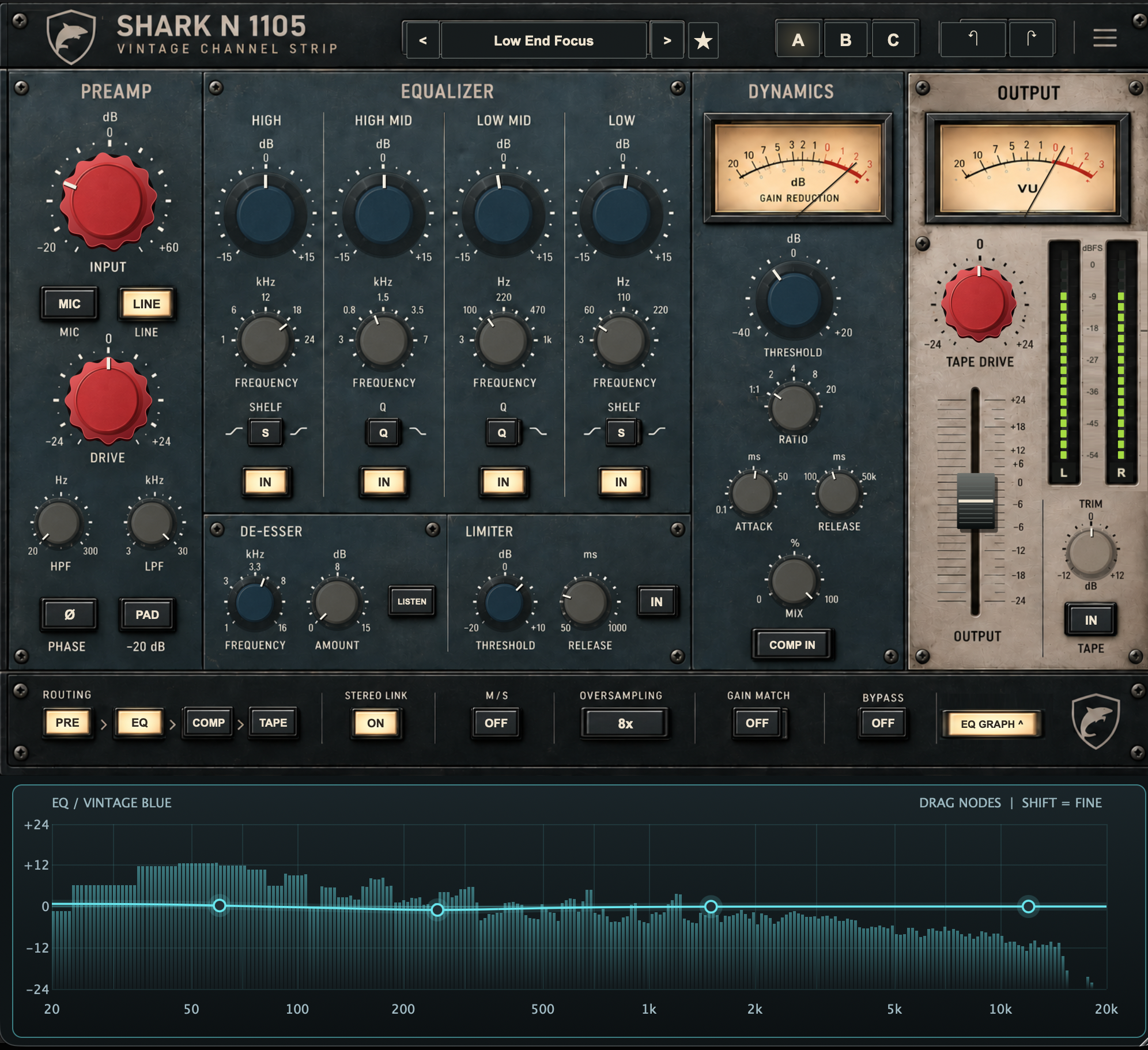
4 EQ bands · 100 factory presets · 4 themes · 1x / 2x / 4x / 8x
Preamp drive, high-pass and low-pass filters, four-band EQ, de-essing, parallel compression, limiting and tape-style color. Build tone a stage at a time.
Turn an EQ knob and watch the curve respond. Drag a node and its knobs follow. Horizontal movement sets frequency; vertical movement sets gain. Hold Shift for finer control.
Search 100 factory starting points or save your own. Tap the preset star to mark a favorite in yellow. Use A/B/C, undo and Gain Match to compare your choices.
Press G while the plugin has focus to open or close the graph. See the linear EQ and filter response above a live stereo output spectrum. Independent L/R meters keep output levels in view.
FOUR FINISHES / ONE INSTRUMENT
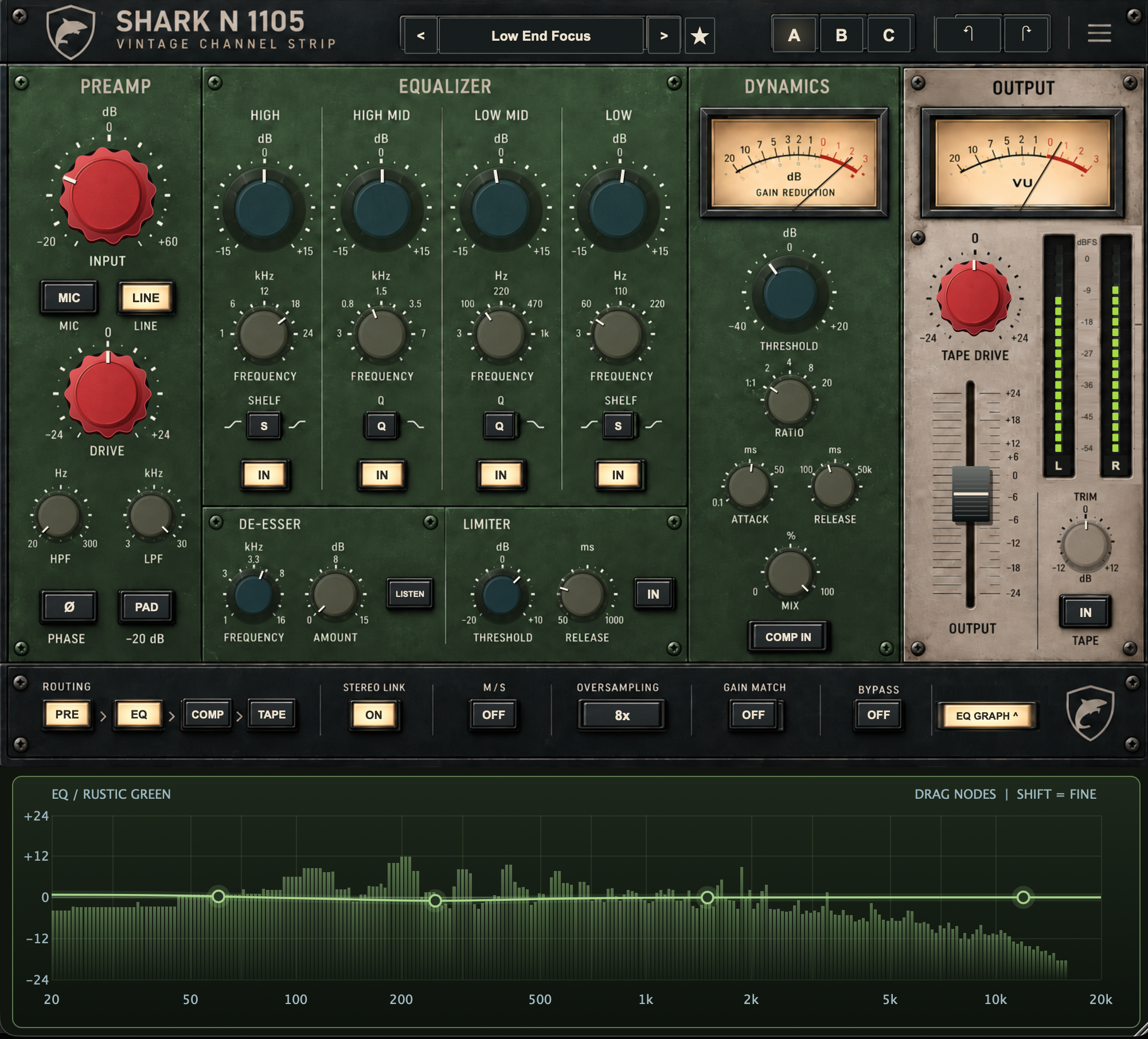
Original blue. Black. Green. Rusty red. Click the logo to change the faceplate and matching graph without changing your sound.
The six-page manual covers the complete signal path, EQ gestures, dynamics, favorites, shortcuts, metering and setup. The brochure gives you the instrument at a glance.
Customer downloads and purchase details will follow.
← Explore Vintage Plugins