Two actual sound characters
Blue saturates earlier with more asymmetry and faster extremes. Black has a cleaner gain structure, a different knee and timing. The logo switches both face and audio.
TOOLS THAT MOVE SOUND FORWARD.
VINTAGE / FET COMPRESSOR
Click the Shark logo to move between raw Blue and controlled Black. The whole compressor changes character while your settings remain in place.
SOURCE CHECKPOINT · MANUAL · BROCHURE · FAQ · Release details to follow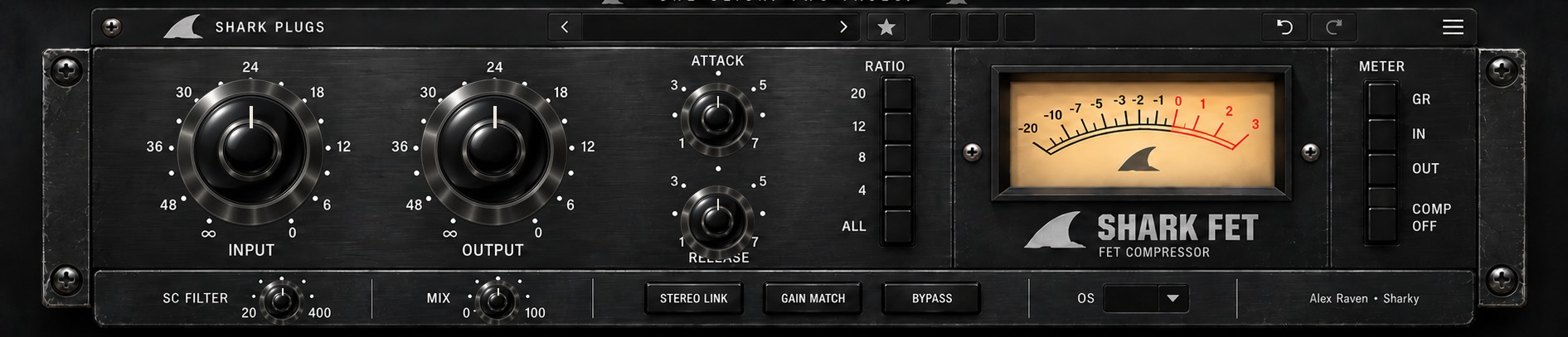
START HERE · PRODUCT VIDEO
The product demonstration will live here first—before the deeper explanation, workflows and manual.
THE IDEA
Raise Input to shape gain reduction and color, choose a ratio from 4:1 to ALL, and set the groove with Attack and Release. Blend in parallel with Mix, keep bass out of the detector with SC Filter, and compare with Gain Match and A/B/C.
ONE LOGO SWITCH · TWO AUDIO CHARACTERS
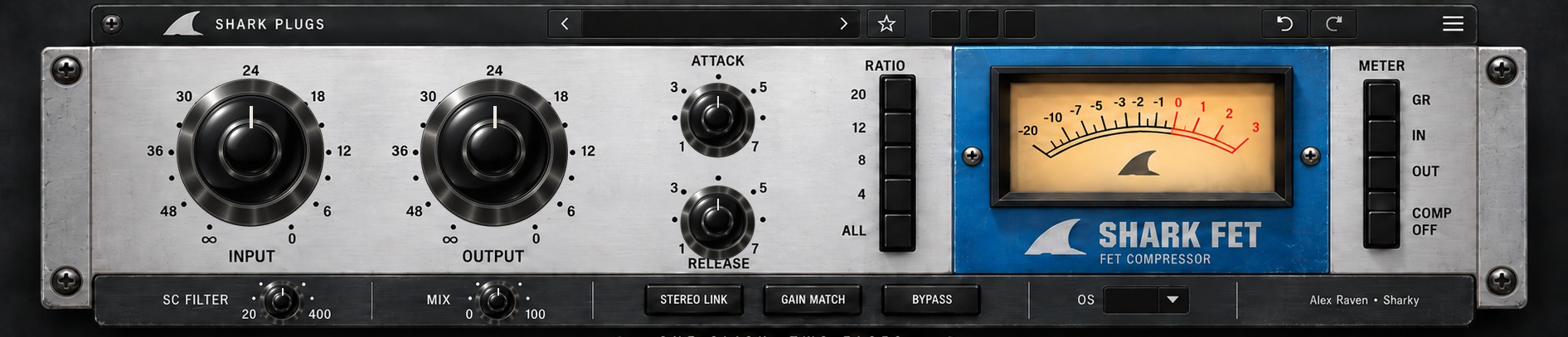
Click either Shark logo in the plugin to switch the face and the compressor model. Knob settings stay in place, so you can hear the different gain stages, saturation and compression response directly.
WHAT IT GIVES YOU
Blue saturates earlier with more asymmetry and faster extremes. Black has a cleaner gain structure, a different knee and timing. The logo switches both face and audio.
Four ratios plus ALL, detector high-pass, parallel Mix, Compression Off, Stereo Link and 1x to 8x oversampling give this FET-style instrument room to work.
GR, IN and OUT meter views, slow Gain Match, A/B/C, undo/redo and 60 factory starting points keep comparisons focused.
PRODUCT RESOURCES
Explore the complete workflow or get the concise product overview. The SHARK FET documents are ready to read and download.
QUESTIONS, ANSWERED
How Blue and Black differ, how to use the controls and what is available now.
The face and audio model both change. Blue and Black keep your knob positions while using different gain, color and compression responses. The choice is saved in presets and sessions.
Blue reaches stronger asymmetric color sooner and has faster extremes. Black has cleaner gain stages, a different knee and its own timing.
ALL uses a more aggressive compression slope and adds saturation. Try it on parallel drums with Mix below 100%.
COMP OFF removes gain reduction while keeping the color stages. BYPASS passes around the complete effect.
It high-passes the detector from 20 to 400 Hz so bass triggers less reduction. It does not filter the audible signal directly.
1x, 2x, 4x and 8x; 4x is the default. Higher settings use more CPU and reduce nonlinear aliasing.
No. SHARK FET uses original FET-inspired processing. No measured circuit equivalence is claimed.
The manual and brochure are available. The customer installer and checkout will be connected after release verification.
TRY IT ON YOUR MUSIC