Weight and contour
Separate LOW BOOST and LOW CUT shelves give you control over bass weight and shape. Add broad MID CUT and a variable-width HIGH BOOST, then soften the top with HIGH CUT.
TOOLS THAT MOVE SOUND FORWARD.
VINTAGE COLLECTION / DUAL-CHANNEL TUBE EQUALIZER
Shape bass weight, clear the midrange and open the top end. Add tube character when the music calls for it, with a live spectrum and an EQ curve that moves with your hands.
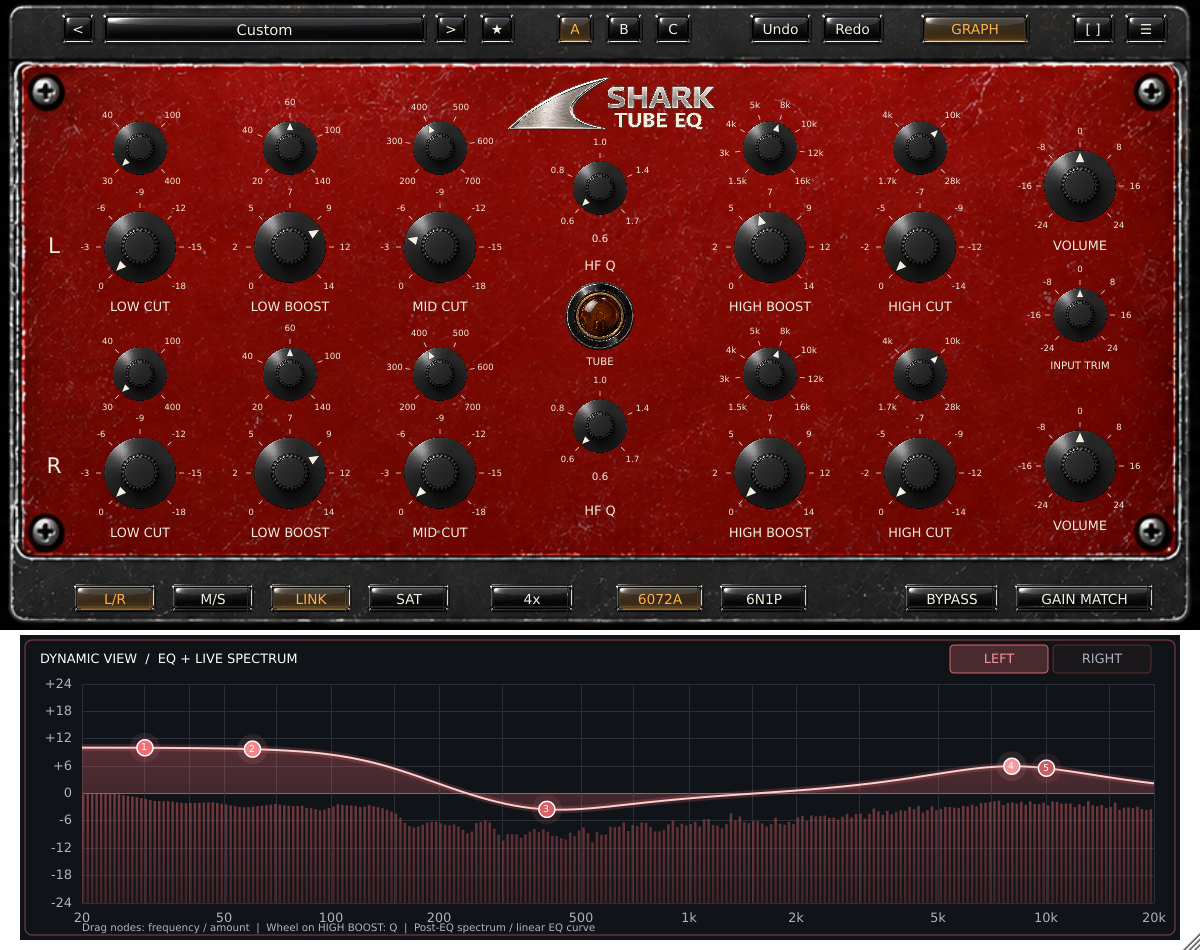
5 sections per channel · 2 tube characters · L/R + M/S · 1x / 2x / 4x / 8x · 56 presets
Separate LOW BOOST and LOW CUT shelves give you control over bass weight and shape. Add broad MID CUT and a variable-width HIGH BOOST, then soften the top with HIGH CUT.
Use clean EQ or engage SAT. Explore the earlier soft saturation of 6072A and the cleaner headroom of 6N1P, with INPUT TRIM controlling tube drive.
Open GRAPH to see the live post-EQ spectrum beneath the response curve. Drag nodes or turn knobs. Select Left, Right, Mid or Side to inspect the channel you are shaping.
A/B/C, undo/redo, bypass and RMS-based Gain Match help you judge each move. Search the 56 factory starting points, mark favorites and save your own.
FOUR FINISHES / ONE INSTRUMENT
Click the plugin logo to cycle the faceplate and matching graph, spectrum and controls.
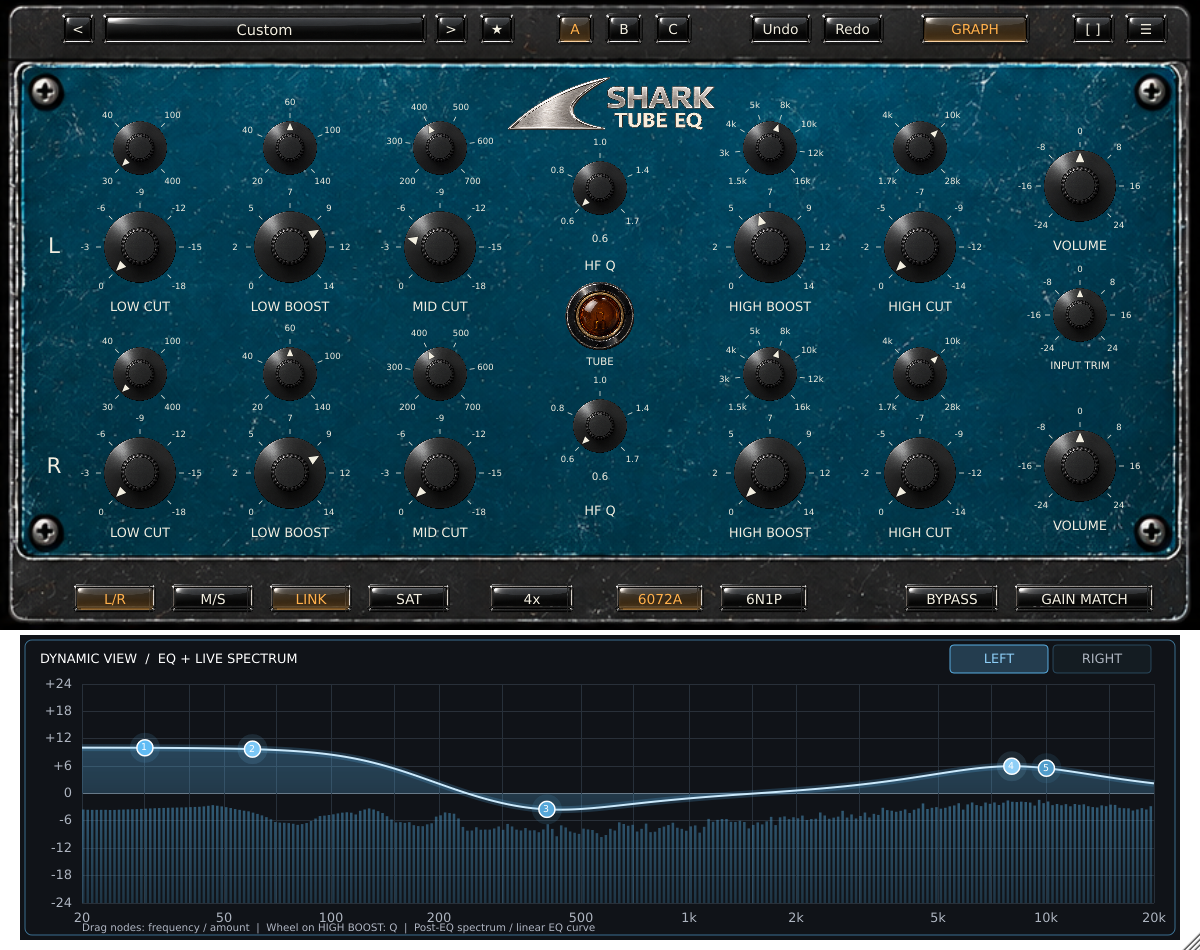
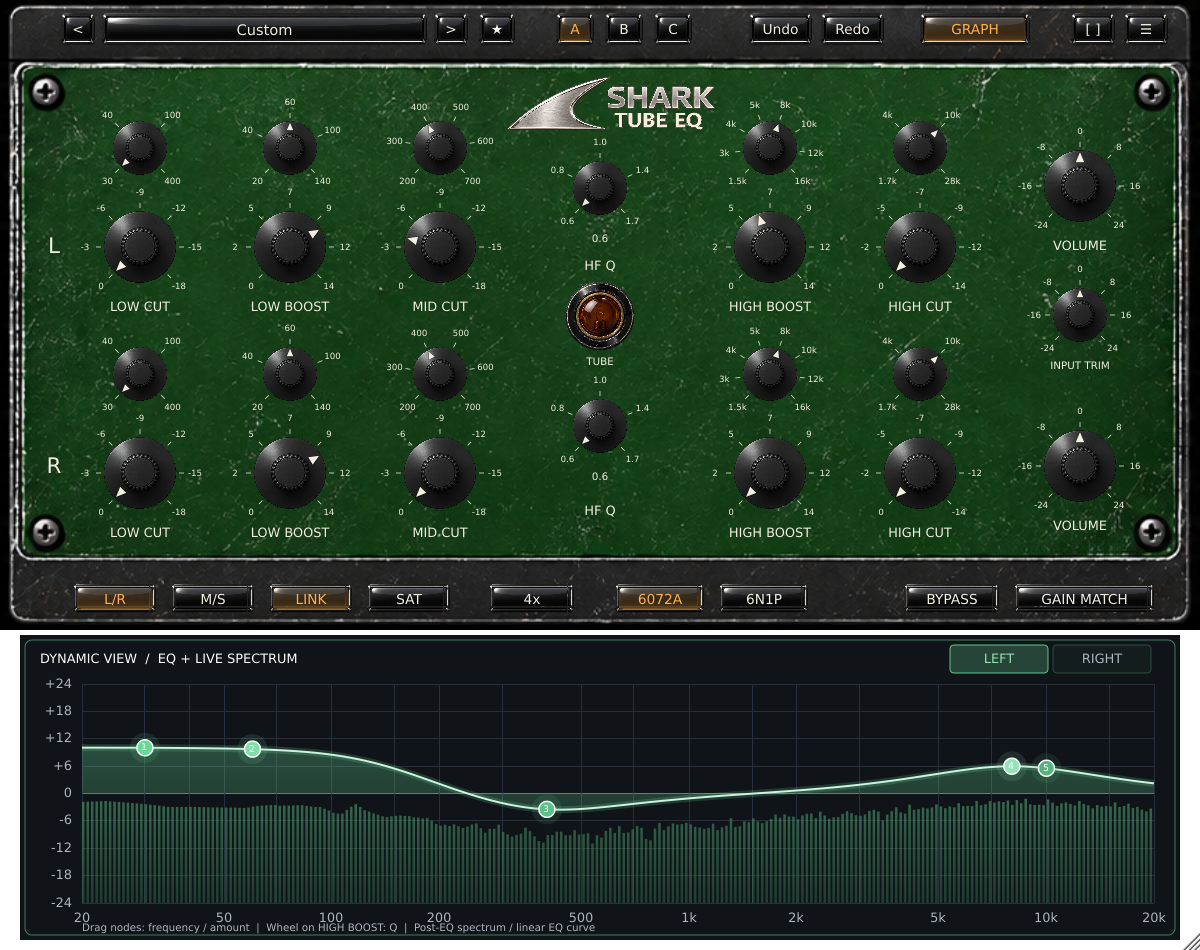
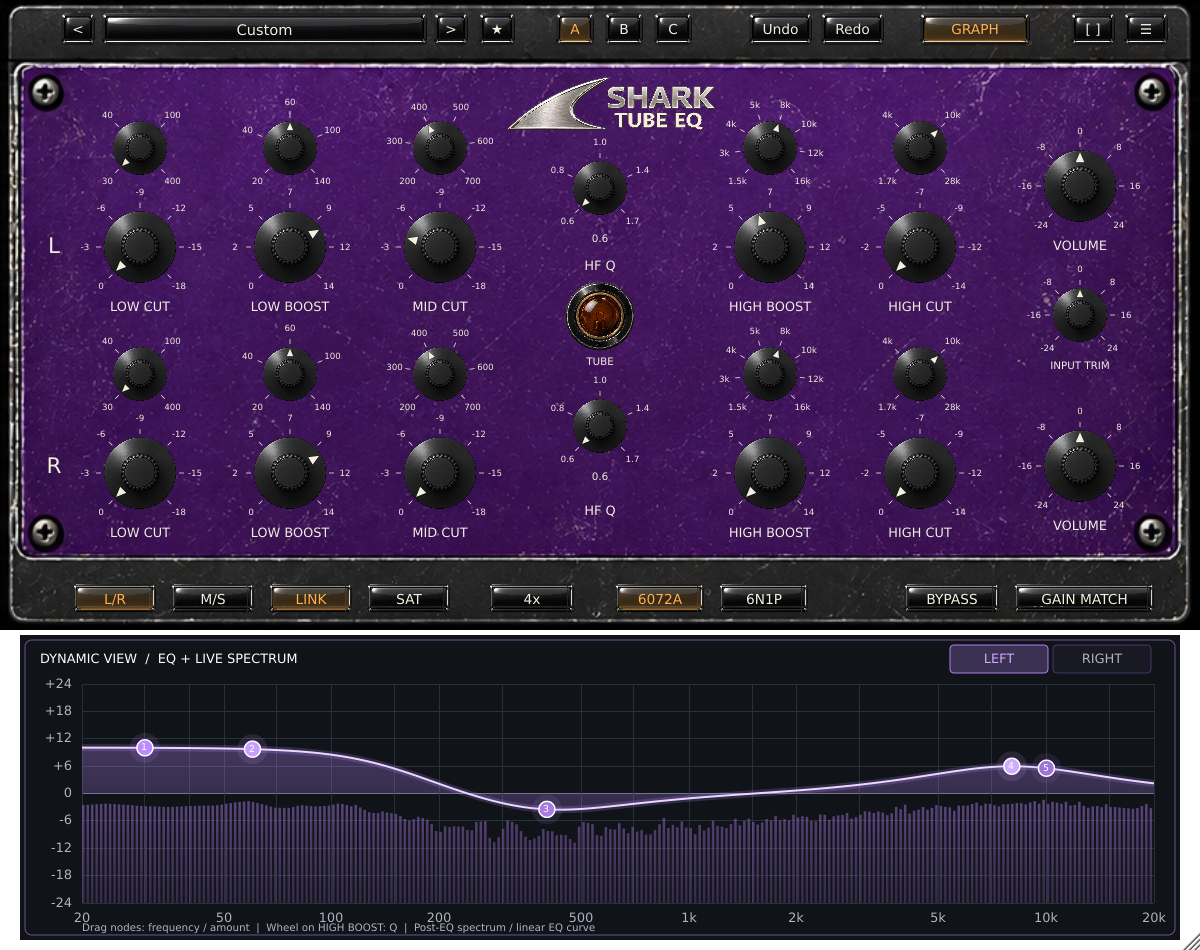
The seven-page manual covers every EQ section, routing, tube controls, graph gestures, presets and troubleshooting.
QUESTIONS, ANSWERED
Controls, channel routing, live analysis and everyday workflow.
A dual-channel, vintage-inspired equalizer with five EQ sections per channel, two optional tube characters, L/R or M/S processing, and a live spectrum display. It is designed for shaping tracks, buses and full mixes.
The curve shows the combined linear EQ response of the selected channel. The moving bars show its actual post-processing audio spectrum, including saturation and output-level changes. The left dB axis describes the EQ curve; the spectrum uses a separate -90 to 0 dBFS display range.
Yes. Press GRAPH, choose LEFT/RIGHT or MID/SIDE, and drag a numbered node. Horizontal movement selects an available frequency; vertical movement changes boost or cut. The hardware knobs follow. Use the mouse wheel over HIGH BOOST to change Q.
L/R processes left and right. M/S processes the centre (Mid) and stereo difference (Side). The top row is Left or Mid; the lower row is Right or Side. LINK couples manual edits to both rows; host automation remains independently addressable. Selecting a graph channel changes the view, not what you hear.
No. LOW CUT is a low-shelf attenuator, not a high-pass filter. LOW BOOST is a separate shelf, so you can use them together for bass contouring. HIGH CUT is also a shelf; HIGH BOOST is a bell.
SAT or the amber lamp enables the tube stage before the EQ. 6072A reaches soft asymmetric saturation earlier; 6N1P stays cleaner longer. INPUT TRIM changes drive with inverse output compensation and has no effect when SAT is off. These are original Shark models, not measured hardware replicas.
Choose 1x, 2x, 4x or 8x from the bottom menu. The default is 4x. Higher rates can reduce aliasing in nonlinear processing but require more CPU. All settings report the same latency. Change rates between playback passes if a brief reset transition is audible.
56 factory starting points, a searchable browser, favorites and user presets, A/B/C comparisons, undo/redo, bypass, RMS-based Gain Match, fullscreen and zoom. Click the logo to cycle red, blue, green and purple; the graph follows the theme.
Customer downloads and purchase details will follow.
← Explore Vintage Plugins